Mindmap
The Mindmap feature in NoteX automatically converts your notes, documents, or AI-generated content into a visual mindmap.
This helps you easily summarize key points, branch out topics, and improve memory and logical thinking.
With just one action, your entire note is presented as a dynamic diagram — saving time and optimizing your learning process.
Key Benefits:
- Instantly turn any note into a mindmap, no manual setup required.
- Easily view overall structure or zoom into specific branches.
- AI automatically organizes main and sub-ideas into logical groups.
1. UI/UX Specification
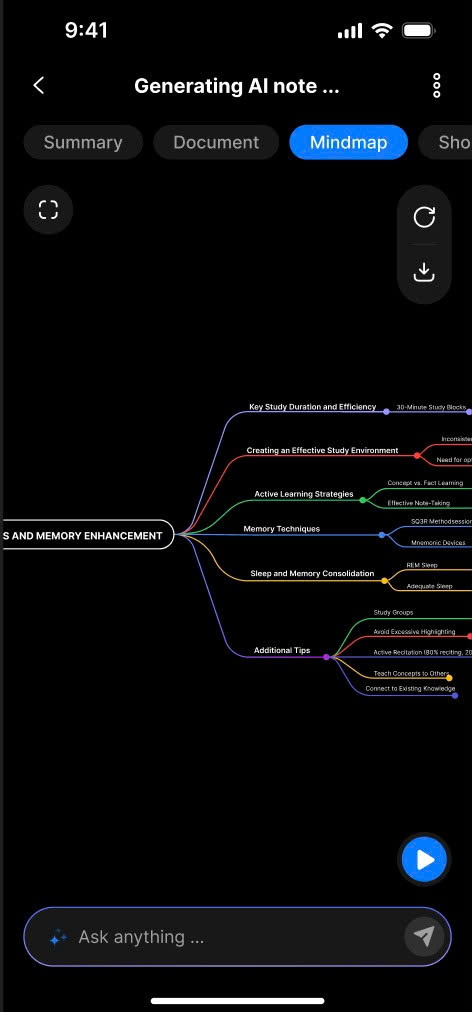
Mindmap Detail
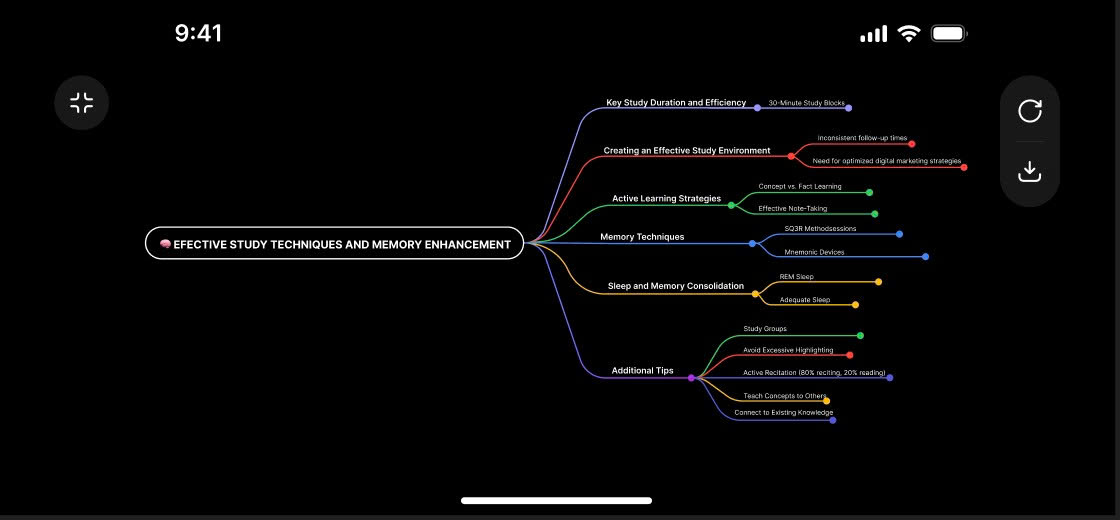
Export options
2. How to Use
- Open the note you want to visualize as a mindmap.
- In the Note Detail screen, select the Mindmap tab.
- The system will automatically generate a mindmap based on your note or AI-generated content.
- Tap on mindmap branches to view detailed content.
- Use zoom in/out gestures to explore the structure as needed.
3. Notes & Tips
- Mindmaps are automatically updated when your note content changes.
- You can download the mindmap image or share it easily.
- Ideal for complex ideas, multi-level summaries, or visual learners.
- Try mindmaps for studying, brainstorming, or reviewing long notes.
- Zooming helps you switch between high-level view and detailed focus.
4. FAQ
Can I download the mindmap as an image?
Yes. You can download or share the mindmap with just one tap.
Do I need to create the mindmap manually?
No. NoteX’s AI automatically converts your note into a mindmap — no manual work needed.